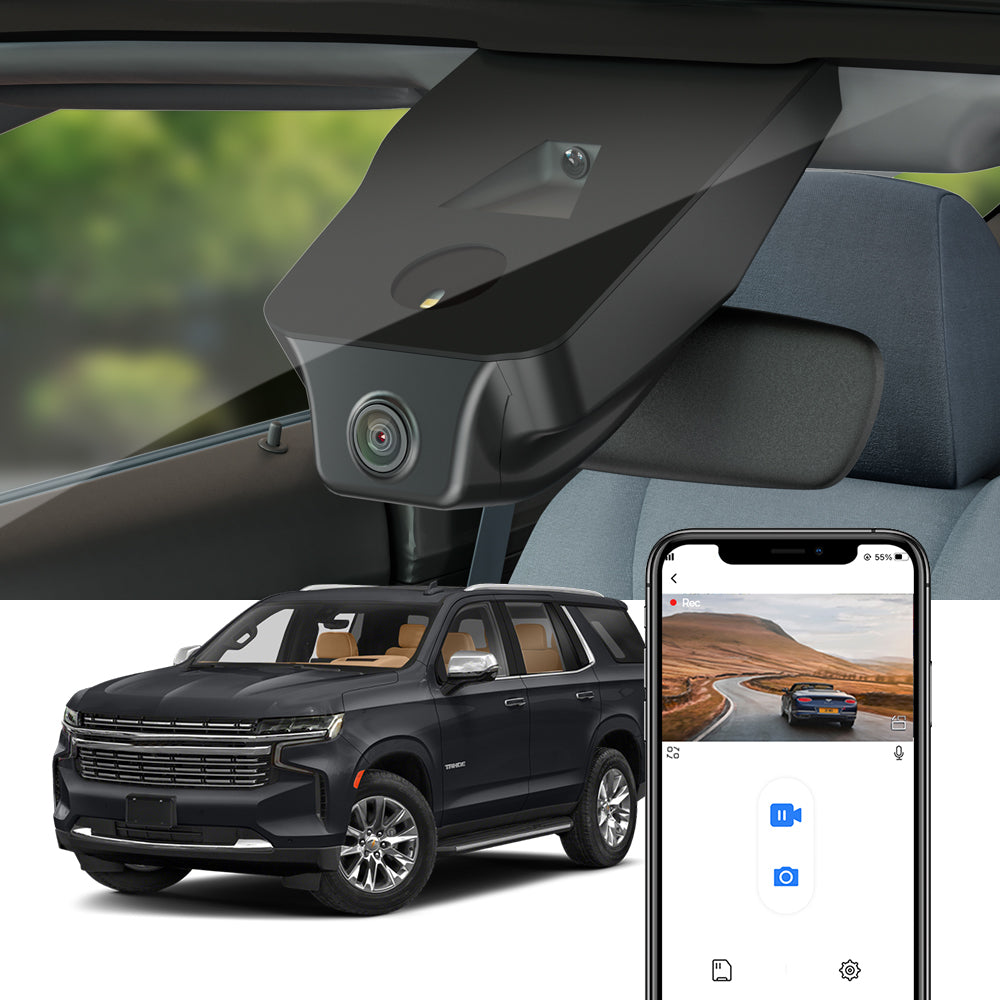
Short answer: yes, for most work drivers — if the camera stays in one car
Is a factory-look dash cam worth it for rideshare and delivery driving? For most drivers who spend all day on the road, yes. A camera that records automatically, locks the clip when something happens, and looks like it came with the car covers the exact risks work driving brings: disputes over what happened, insurance claims, and passenger incidents.
The catch is fit, not footage. A Fitcamx is built for one car's mirror cover, so it stays with that car — and parking mode needs a separate hardwire kit. If you drive one car for work, that trade is easy to accept. If you switch cars, it is not.
A note on how we wrote this: we have not hands-on tested Fitcamx. The description below comes from the maker's official site and product listings, and we say so wherever a claim is the maker's rather than our own finding. Links to the official Fitcamx site in this article are affiliate links.
See the official Fitcamx range for your car
Why work drivers need a camera at all
A private driver might go months without needing dash cam footage. A rideshare or delivery driver will not. Every shift brings more miles, more strangers in the car, more tight parking, and more chances that someone else's account of an incident differs from yours.
When two accounts disagree, a recording is the only neutral witness. That is the whole case for a dash cam at work: not better video for its own sake, but a clip you can show an insurer, a platform, or a passenger the same day something happens.
What matters for work use — and what Fitcamx offers
It records without you thinking about it
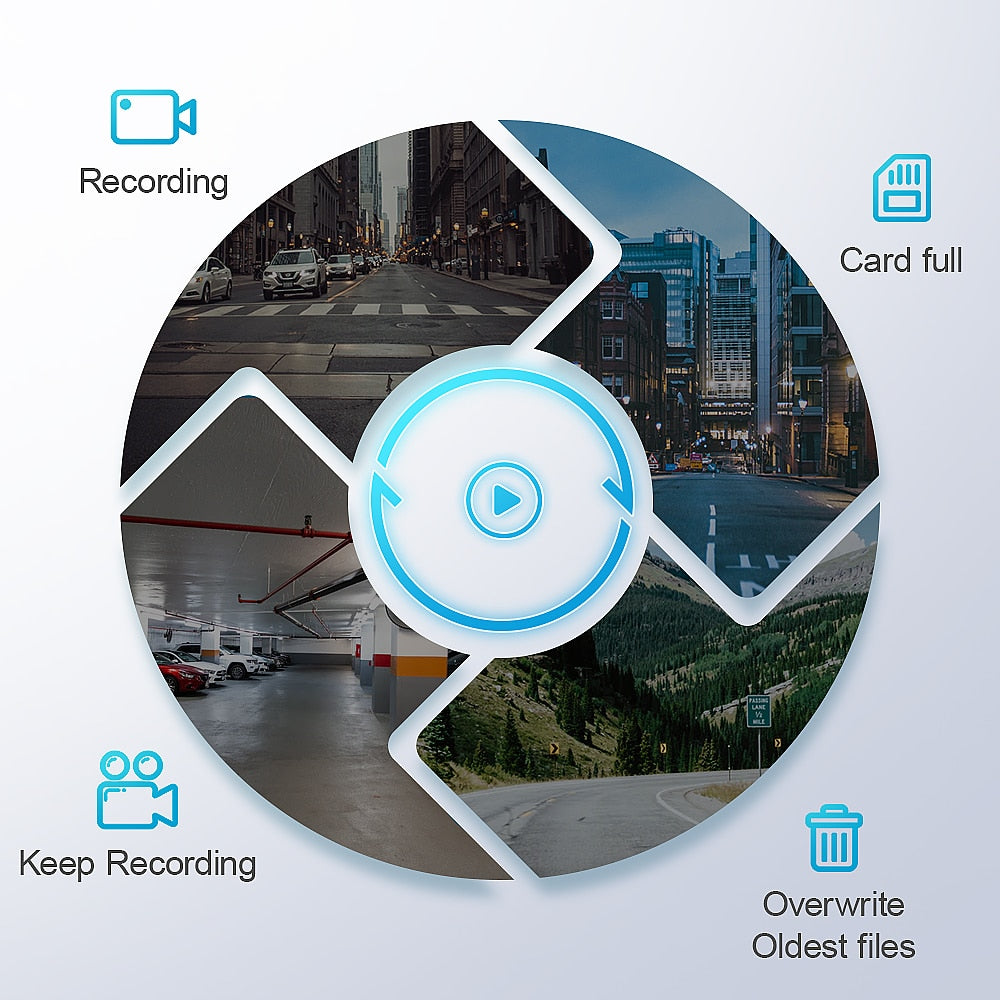
Short answer: loop recording handles storage for you. According to the maker's product pages, the camera turns on when the car starts and off when the car is locked, and loop recording overwrites the oldest footage when the card fills up. On a long shift, that means no daily card management and no dead gaps because you forgot to press record.
Incident clips are locked automatically
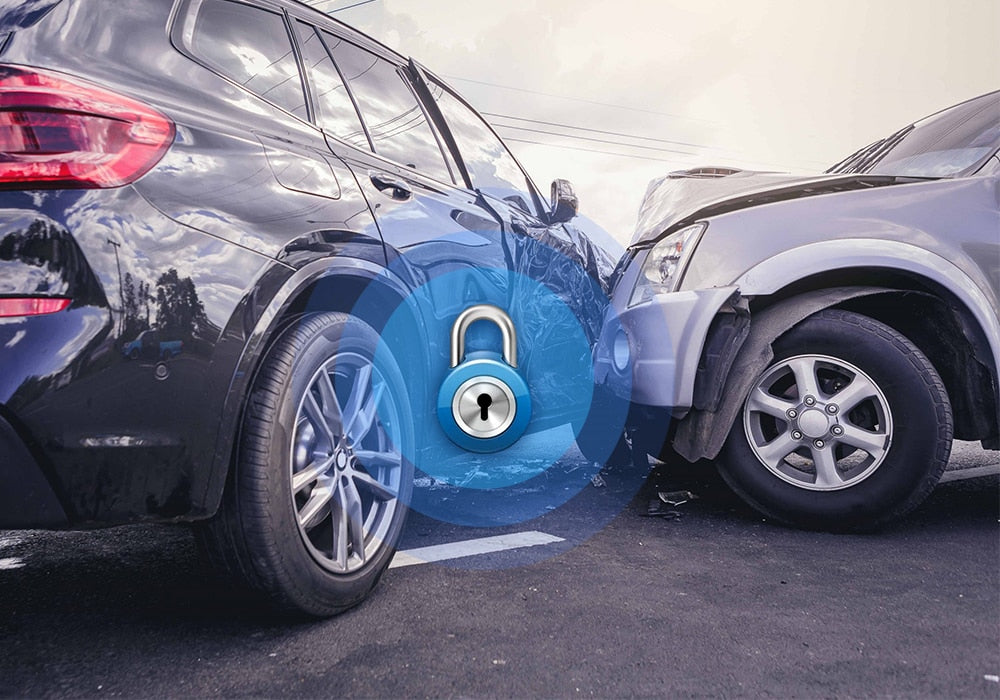
Short answer: the G-sensor saves the clip before it can be overwritten. The maker's description says the G-sensor detects sudden collisions while driving and immediately saves the relevant footage so it cannot be overwritten. For a driver, that is the feature that matters most: the clip from the one bad moment is the clip you need, and it is protected without you doing anything.
Front and rear — including the cabin
Short answer: dual-camera models cover both directions. The maker's listings show 4K front video at 2160P with a 160° wide angle, and 1080P rear video with a 140° angle. The rear camera mounts on the rear windshield — or facing the cabin, if you would rather record the interior. For rideshare work, that cabin option is the point: a passenger incident happens inside the car, not behind it.
Footage off the camera fast
Short answer: Wi-Fi and the app, no card swaps at the roadside. The camera has built-in 2.4GHz Wi-Fi, and the maker's app lets you download clips to your phone and share them. After an incident, that matters — you can pull the clip while you are still at the scene instead of fumbling with a tiny memory card.
It does not look like a dash cam
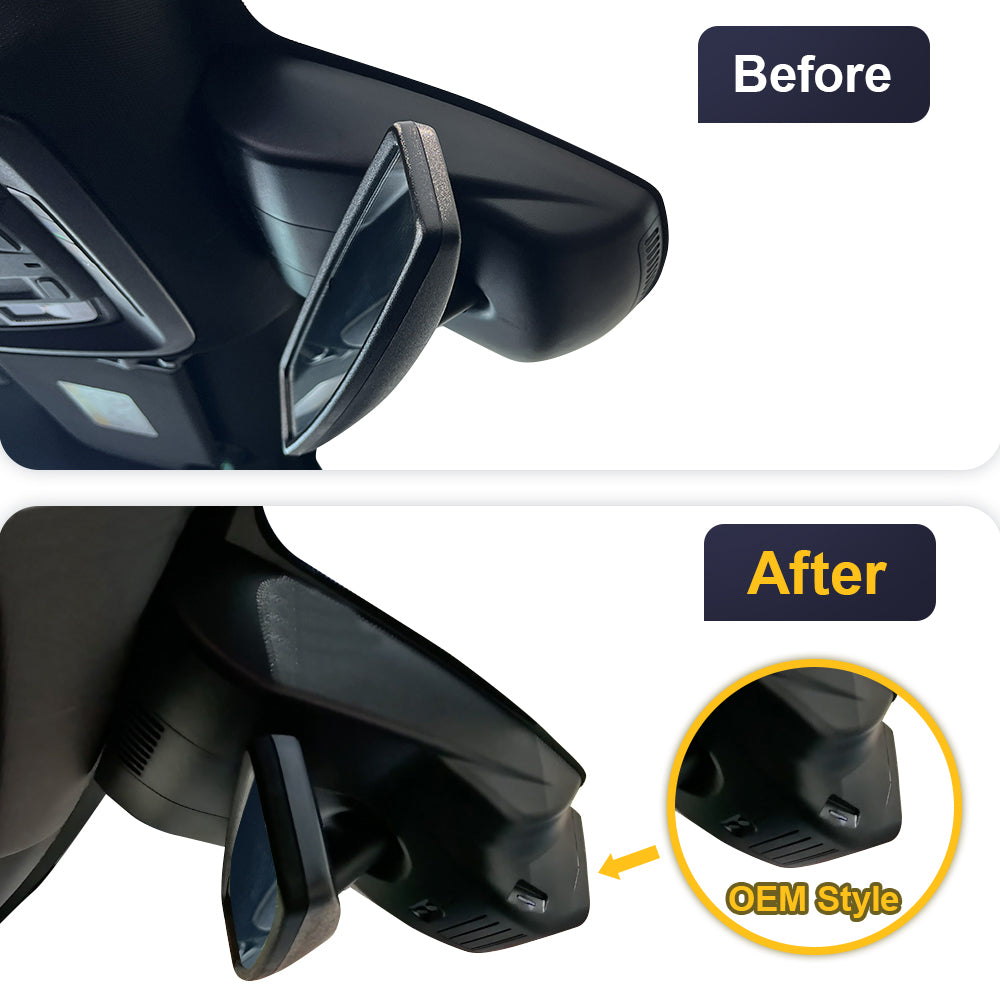
Short answer: it is a mirror cover, not a box on the glass. The maker's design is a 1:1 copy of the original rearview mirror cover shape, so the camera disappears into the interior and does not block your line of sight. Passengers see a mirror cover, not a camera pointed at them, and there is no suction cup or dangling cable to invite a break-in while the car is parked.
The parking-mode catch
Short answer: parking mode needs a separate hardwire kit, and it only records on impact. According to the maker's product pages, parking mode requires a hardwired installation using the fuse box cable kit — and even then, the camera starts recording when a collision happens, not continuously.
For a delivery driver parked at the kerb all day, that is a real limit. If someone scrapes your car while you are inside a building, the camera should catch it. But if you want round-the-clock parked recording, this is not it without the kit — and the kit is an extra purchase and a fuse-box job, which is exactly the wiring the plug-and-play install avoids.
Costs and practicalities
Short answer: the camera is cheap to run once it is in. A 64GB micro SD card is included in the maker's front-camera package, and the camera supports cards up to 256GB, so storage is not a weekly chore. It powers on and off with the car, and the maker lists a 12-month warranty and 24/7 customer support.
Prices vary by model, so check the listing for your car. On the Tahoe listing we checked on 30 October 2026, the 4K front-only variant was listed at $189, the 2K dual-camera variant at $219, and the 4K dual-camera variant at $269 — but those are one model's prices on one day, not a price for every car.
Check the current price and variants on the official Fitcamx site
Who should skip it
- Drivers who switch cars. The camera is built for one car's mirror cover and stays with that car. If you drive two cars for work, or change cars often, a universal camera you can move makes more sense.
- Drivers who want continuous parking recording. Without the hardwire kit there is no parking mode at all, and with it the camera records on collision only, not continuously.
- Cars without the matching power source. Power comes from the mirror area — auto-dimming mirror, rain sensor, or overhead console, depending on the model. Check fitment for your exact car first.
- Drivers who want the cheapest possible camera. A model-specific camera costs more than a basic universal one, and you are paying for the factory look as much as for the recording.
Frequently asked questions
Can the rear camera record passengers?
Yes — on dual-camera models the rear camera can mount facing the cabin instead of the rear windshield. Rules on recording passengers vary by place and by platform, so check your local rules and your platform's policy before pointing a camera at passengers.
Can I move a Fitcamx between cars?
No. It is built for one car's mirror cover, so it stays with that car. If you change cars, you need the model made for the new car.
Does it drain the car battery?
In normal use it powers on and off with the car, so there is nothing to remember each shift. Parking mode, which needs the separate hardwire kit, only records when a collision is detected rather than continuously.
Does it record while I am parked?
Only with the hardwire kit, and only when a collision is detected — not continuous recording. Without the kit, the camera turns off when the car is locked.
Final verdict
For a rideshare or delivery driver in one car, a Fitcamx is worth it: automatic recording, locked incident clips, a rear camera that can face the cabin, and a design passengers barely notice. The two things to accept before buying are that the camera stays with the car, and that real parking protection costs extra for the hardwire kit.
If either of those is a deal-breaker, a universal camera you can move between cars fits your work better. Otherwise, the factory look is the right call for a car you live in all day.
For the full picture of the camera itself, read our full Fitcamx review.
Visit the official Fitcamx site to find the model for your car