Attention: the repetitive work is eating your week
Copying leads from a form into a CRM, sending the same welcome email, updating a spreadsheet, then pinging the team on Slack — none of it is hard, but together it eats hours every week. That is the problem Make sets out to solve: instead of doing the same small tasks by hand, you build the workflow once and let it run.
A note on how we wrote this: we have not hands-on tested Make for this review. The features below come from Make's official site, and we say so wherever a claim is the maker's rather than our own finding.
Interest: what Make actually is
Make, formerly Integromat, is a visual automation platform. You build workflows — Make calls them scenarios — by connecting modules on a canvas: a trigger in one app, a few steps in between, and actions in other apps. According to Make, you can build by prompt, by drag-and-drop, or from an AI chat, and no coding is required, although developers can add custom code where it helps.
The headline figure from Make's official homepage is the breadth of its catalog: it connects to 3,500+ apps out of the box, and anything with an API can be added as a custom integration. That matters because most businesses do not live in one app — the value is in moving data between the tools you already use.
Desire: where it helps, in plain terms
Multi-step workflows, not just one trigger and one action. Simple tools handle "when X happens, do Y." Make is built for longer chains with branching, filters, and data transformation in between — for example, a new form submission that updates a CRM record, sends a personalized email, and notifies a channel, with different paths depending on the answers given.
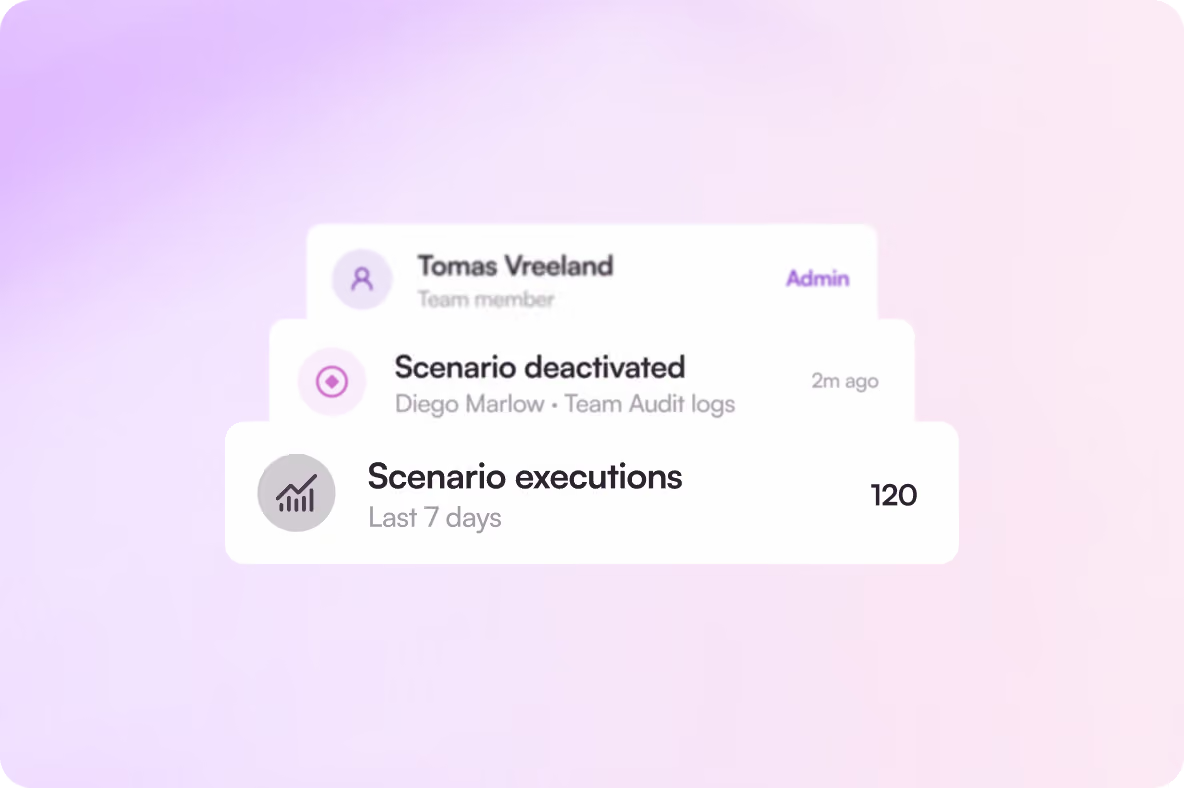
A visual map of the whole process. Because each scenario is drawn on a canvas, you can see the data flow and where a step failed, rather than guessing from a list of rules. Make also emphasizes visibility and control for teams: role-based access, audit logs, and real-time analytics across automations.
A free way to try it properly. Make's official site says you can start building for free with no credit card required and no time limit on the free plan. That makes it a low-risk way to test whether automation actually saves your team time before committing to a paid plan. We are not quoting prices here because plans and limits change — check Make's current pricing page before deciding.
Security claims worth noting, with attribution. Make states that it is GDPR compliant and SOC 2 Type II and SOC 3 certified, with encryption in transit and at rest, SSO, and access controls. Those are the maker's claims, not findings from our own testing, but they are relevant if you plan to automate anything involving customer data.
The honest limitations
- There is a learning curve. A visual builder is friendlier than code, but designing a reliable multi-step scenario still requires thinking through each step, condition, and failure case. The first workflow takes longer than the marketing suggests.
- We have not tested it ourselves. Reliability, speed, and how gracefully scenarios recover from errors are things you can only judge by running your own workflows on the free plan.
- Complexity can grow quietly. A scenario that starts as three steps can turn into a branching process that only one person understands. Documenting what each scenario does is worth the effort from day one.
Who should try it, and who should skip it
Try it if you repeat the same cross-app tasks every week — lead follow-up, reporting, onboarding, invoicing reminders, or content scheduling — and you want one place to see and manage those workflows.
Skip it (for now) if you only need a single simple automation, such as forwarding one form to one spreadsheet. A lighter tool may be quicker to set up, and you can move to Make when your workflows genuinely need branching and transformation.
Final verdict
Make earns its place as a serious no-code automation platform on the strength of its visual builder and its 3,500+ app catalog, backed by a free plan that lets you test it without a card. It is not magic — you still have to design the workflow — but for teams drowning in repetitive cross-app work, it is one of the most capable options to try first.